Translated a real user's privacy and simplicity needs into an offline-first workflow.
Mobile product engineering
Private Notes Light
I designed and shipped a lightweight, local-first notes app after building it for my father and finding no open-source alternative that combined offline use with encrypted note content. It runs on Android and iOS without accounts, servers, or cloud sync.


Shipped May 30, 2026
Role Product + Flutter engineer
Platforms Android + iOS
Stage Early closed testing

Credit: Cosmos
The brief
Build the simple private notebook I could not find.
The project began as a practical need: give a family member a straightforward place to keep sensitive notes without making them sign up, sync to a cloud, or learn a complex system. I turned that constraint into a public, open-source mobile product and owned the product, engineering, release, and support-ready flows end to end.
Built a shared Flutter codebase, local persistence, authentication, backup, and release flows.
Added automated coverage around encryption, authentication, import, settings, and note management.
Engineering decisions
Privacy was a system design problem, not a feature badge.
I separated the app into presentation, application, data, and domain layers so security-sensitive work would have clear boundaries and UI changes would not leak into storage or cryptographic code.
Local-first by design
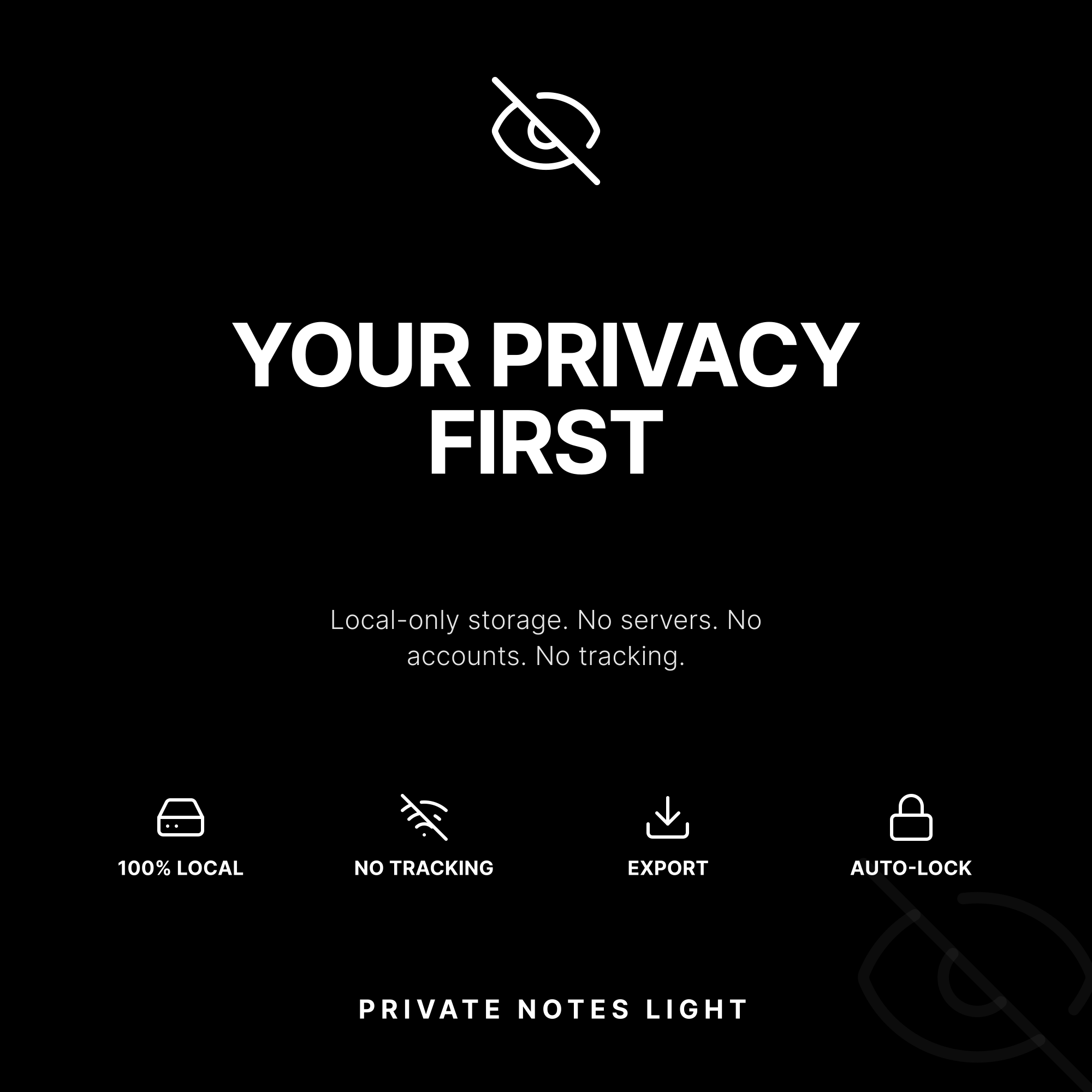
SQLite stores notes on-device; there is no account, server, or network dependency in the product flow.
Separated key responsibilities
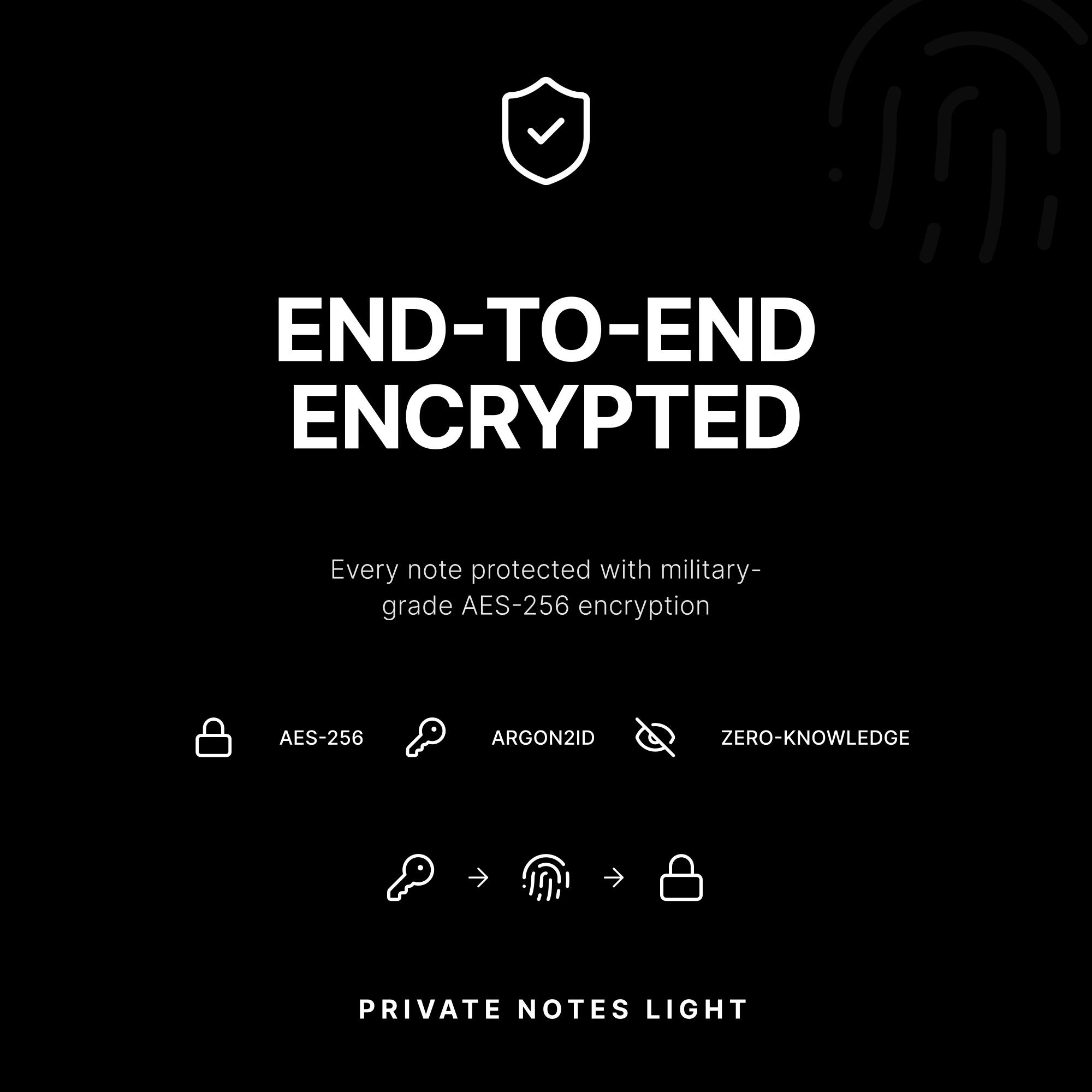
A random 256-bit master key encrypts note content. The user's password derives a key with Argon2id to protect that master key.
Explicit privacy trade-off
Note content is encrypted before storage. Titles remain visible for fast local search, and the UI warns users about that choice.
Session-aware access
When the app loses focus, it clears the in-memory master key and requires the user to authenticate again.
Hardest challenge
Make encrypted backups portable without making recovery confusing.
The toughest feature was key rotation during backup import. A backup may be protected by a different password, but imported notes still need to work in the current session without leaving the user to understand the cryptographic plumbing.
- Validate the backup
Parse the encrypted JSON and check whether the current master key can open it.
- Ask only when needed
If it cannot, the UI requests the backup password instead of failing silently.
- Rotate every note
Derive the backup key, unlock its master key, then decrypt and re-encrypt each note with the current master key.
- Finish deliberately
Let the user choose settings import and warn before an existing note collection is overwritten.
What I learned
Security-sensitive UX needs the same care as the cryptography: validate inputs early, explain irreversible choices, and build recovery paths that do not expose technical complexity to the user.
Early impact
From a family tool to a shipped, measurable product.
I released Private Notes Light on May 30, 2026, and I am continuing closed testing. The App Store data is early, but it gives me a real feedback loop for product discovery, conversion, and iteration.
App Store Connect snapshot shared July 14, 2026. The product is early-stage, so these are launch signals—not a claim of mature-market traction.
Product walkthrough
Designed to keep the secure path understandable.
From the note list to editing and settings, the interface keeps everyday actions lightweight while surfacing privacy choices at the moments they matter.